> For the complete documentation index, see [llms.txt](https://docs.cainos.net/llms.txt). Markdown versions of documentation pages are available by appending `.md` to page URLs; this page is available as [Markdown](https://docs.cainos.net/pixel-art-top-down-village/water-rendering.md).

# WATER RENDERING

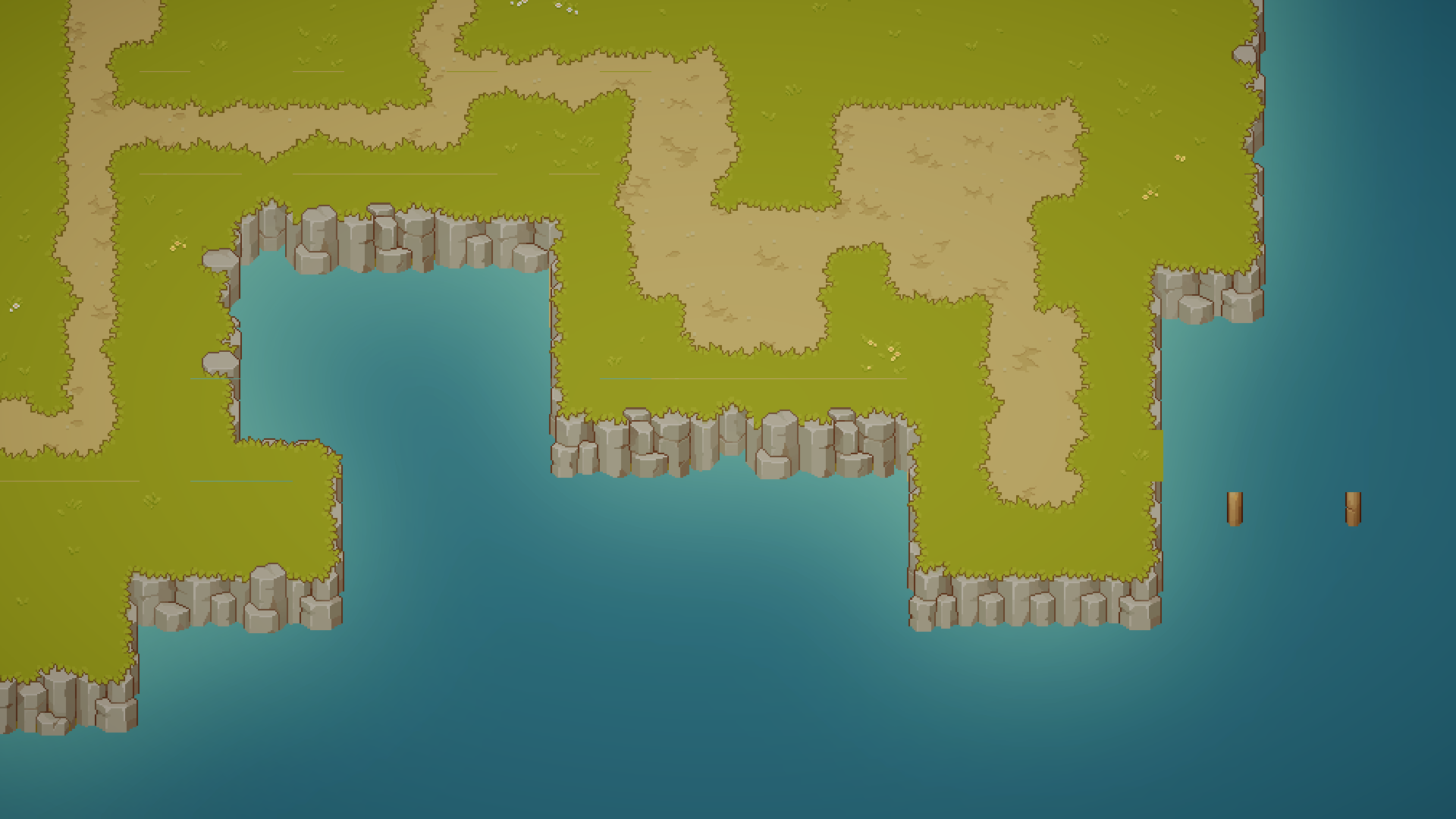
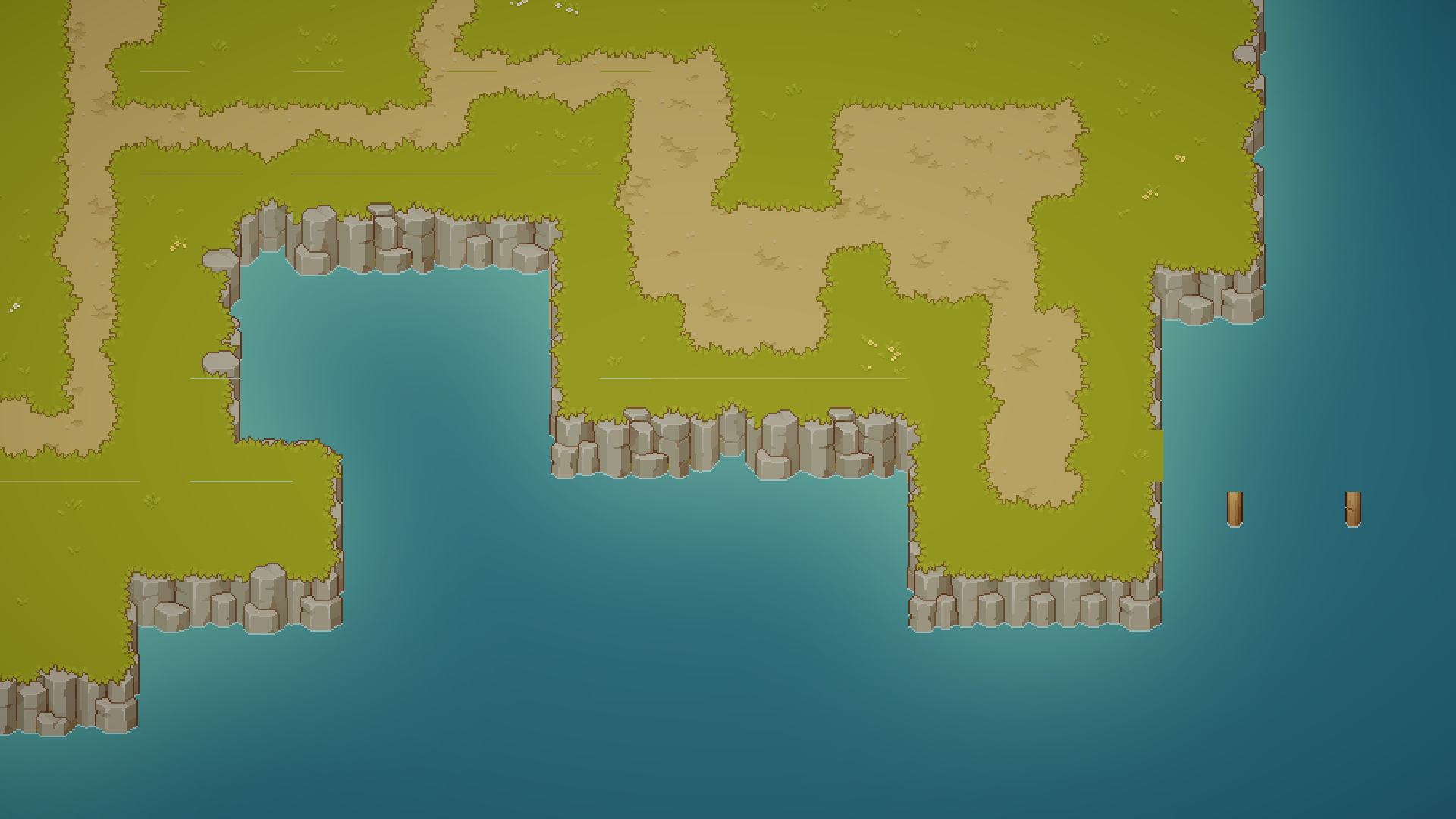
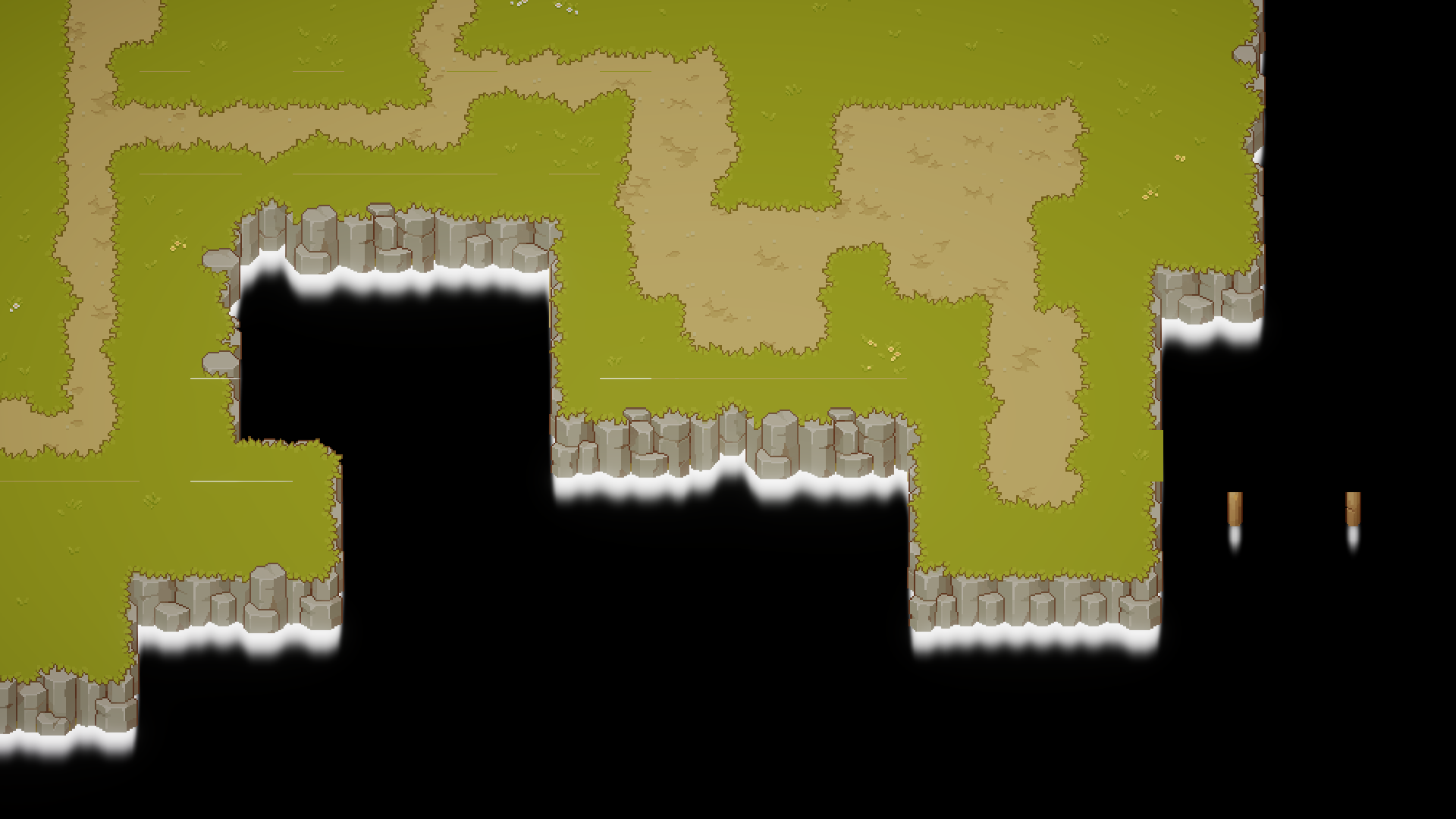
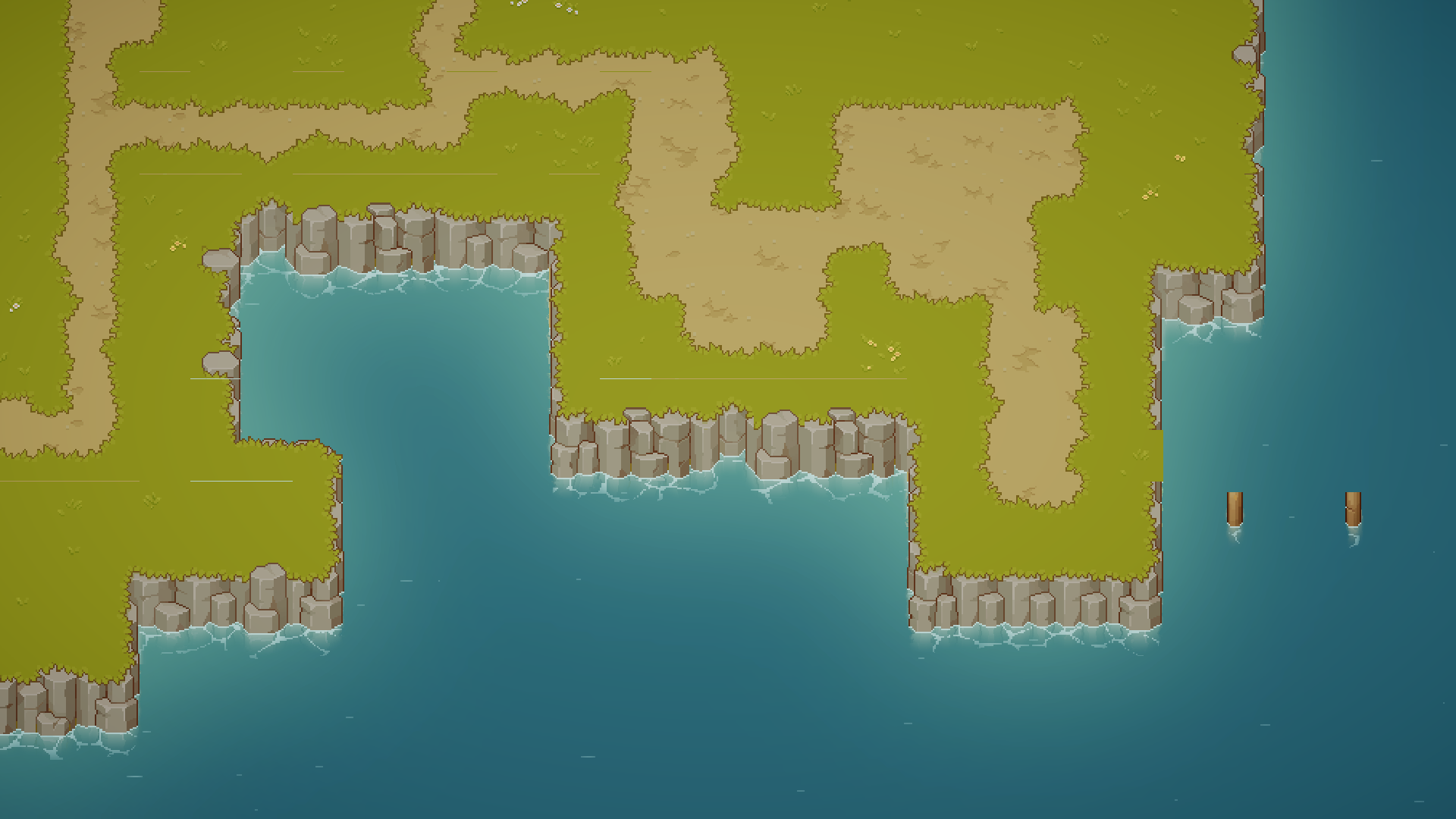
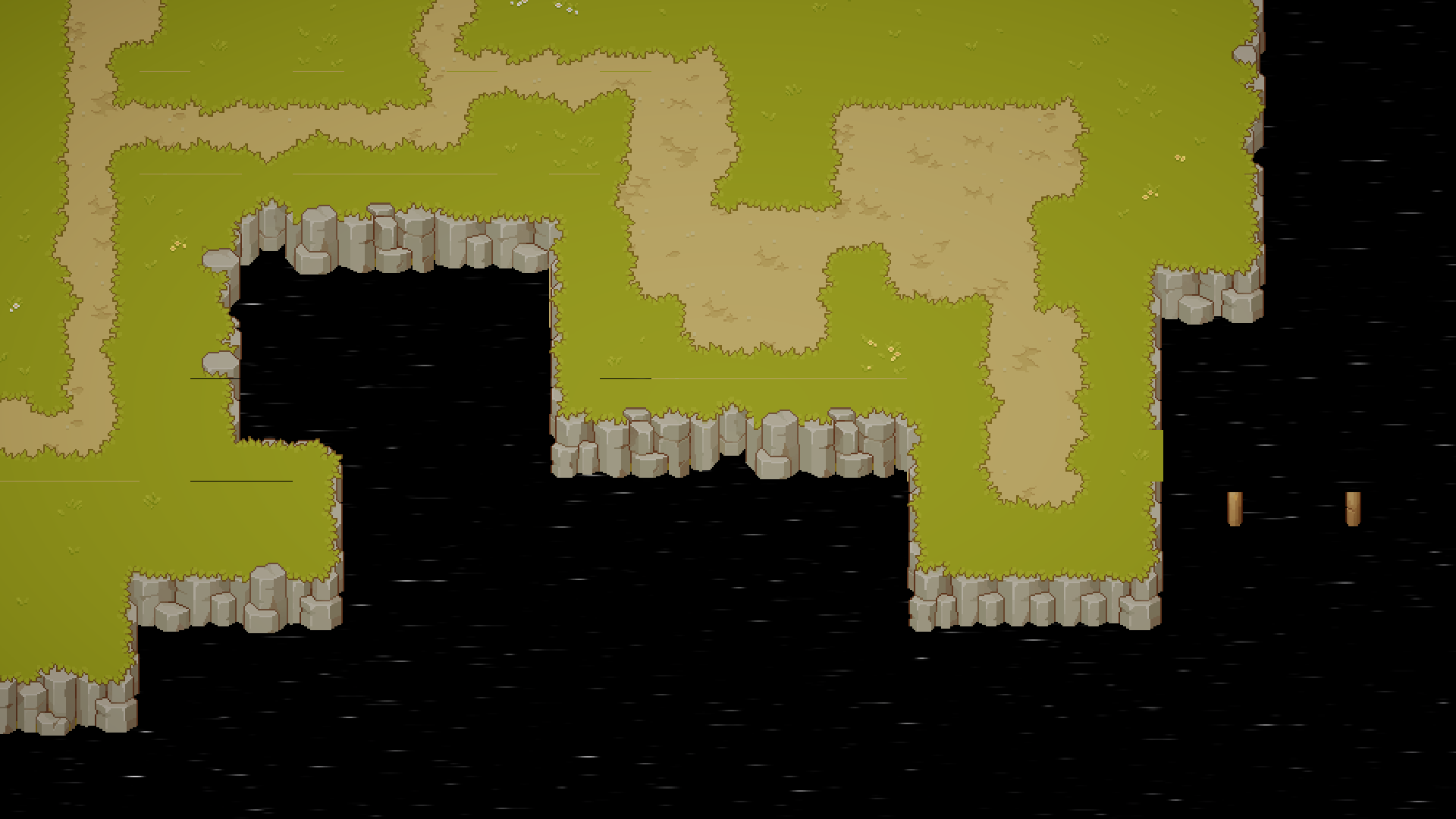
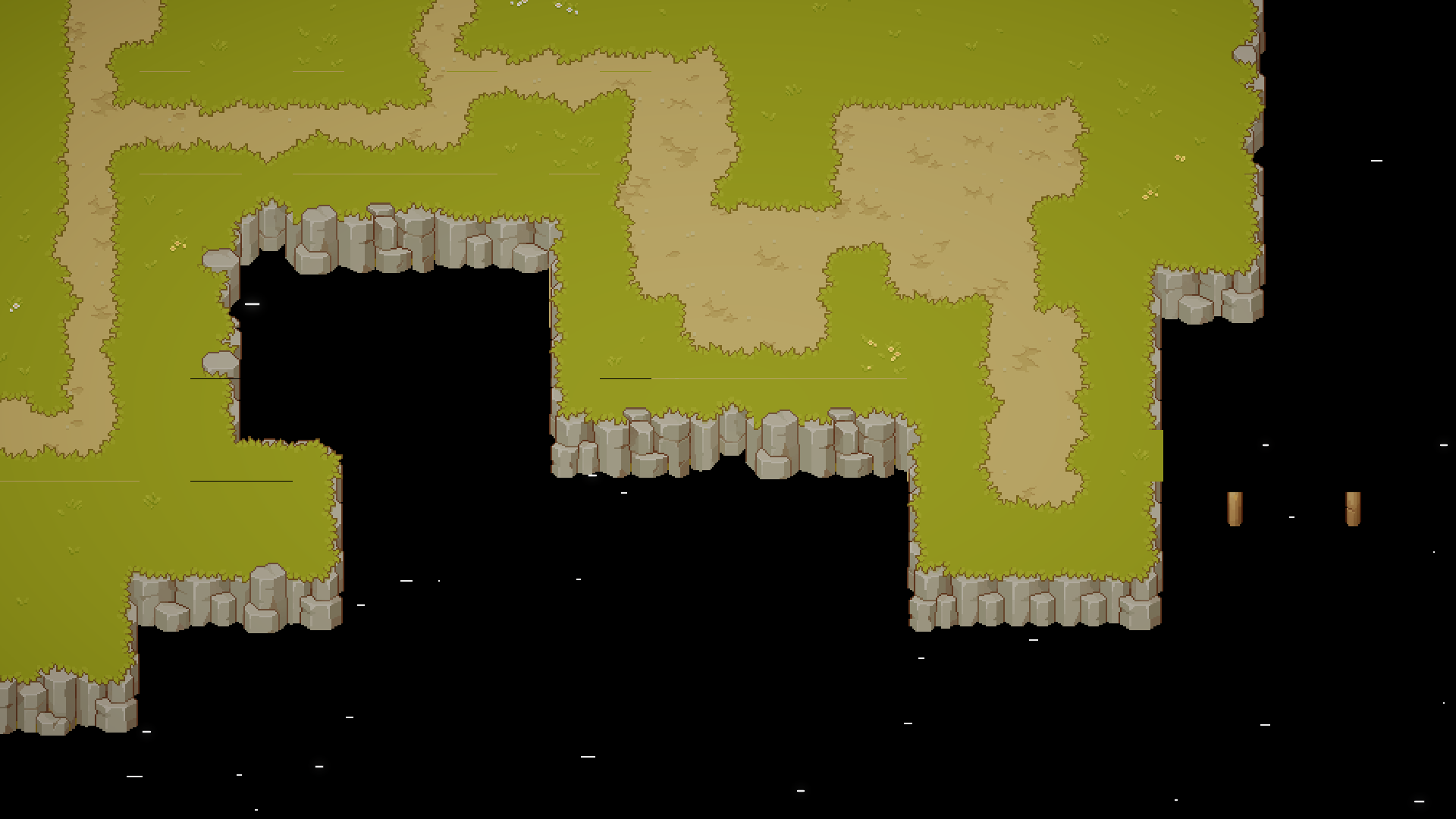
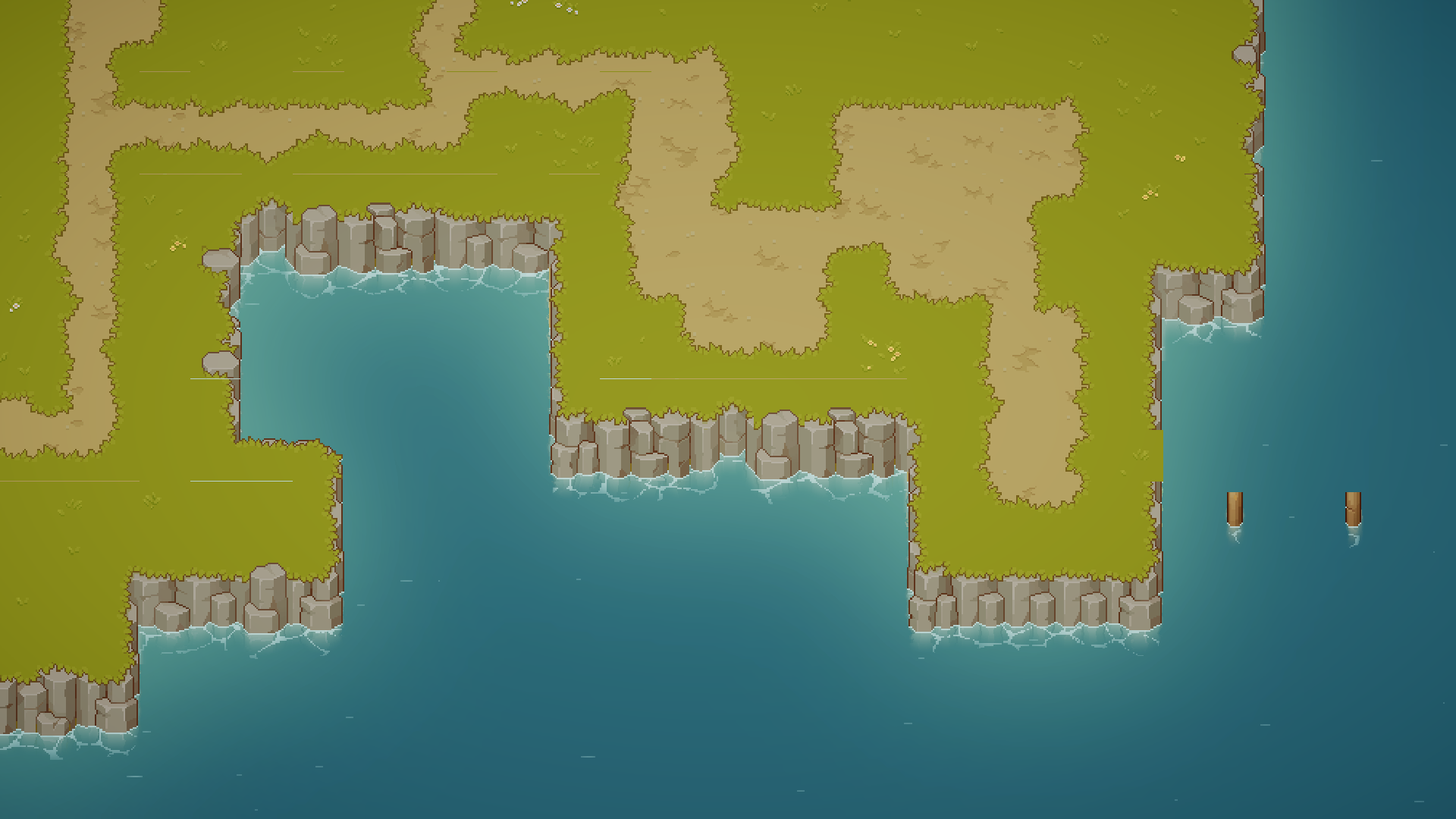
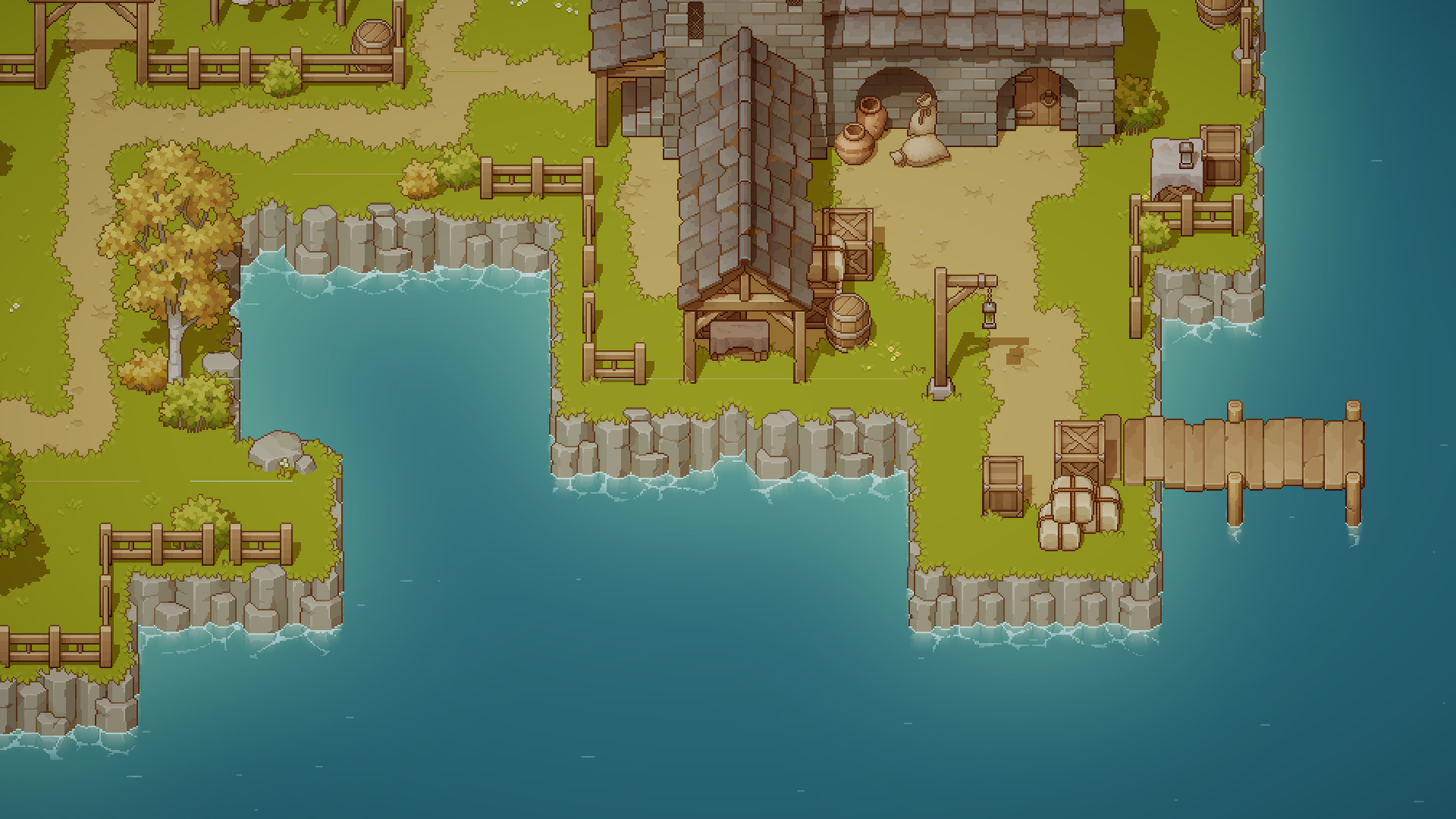
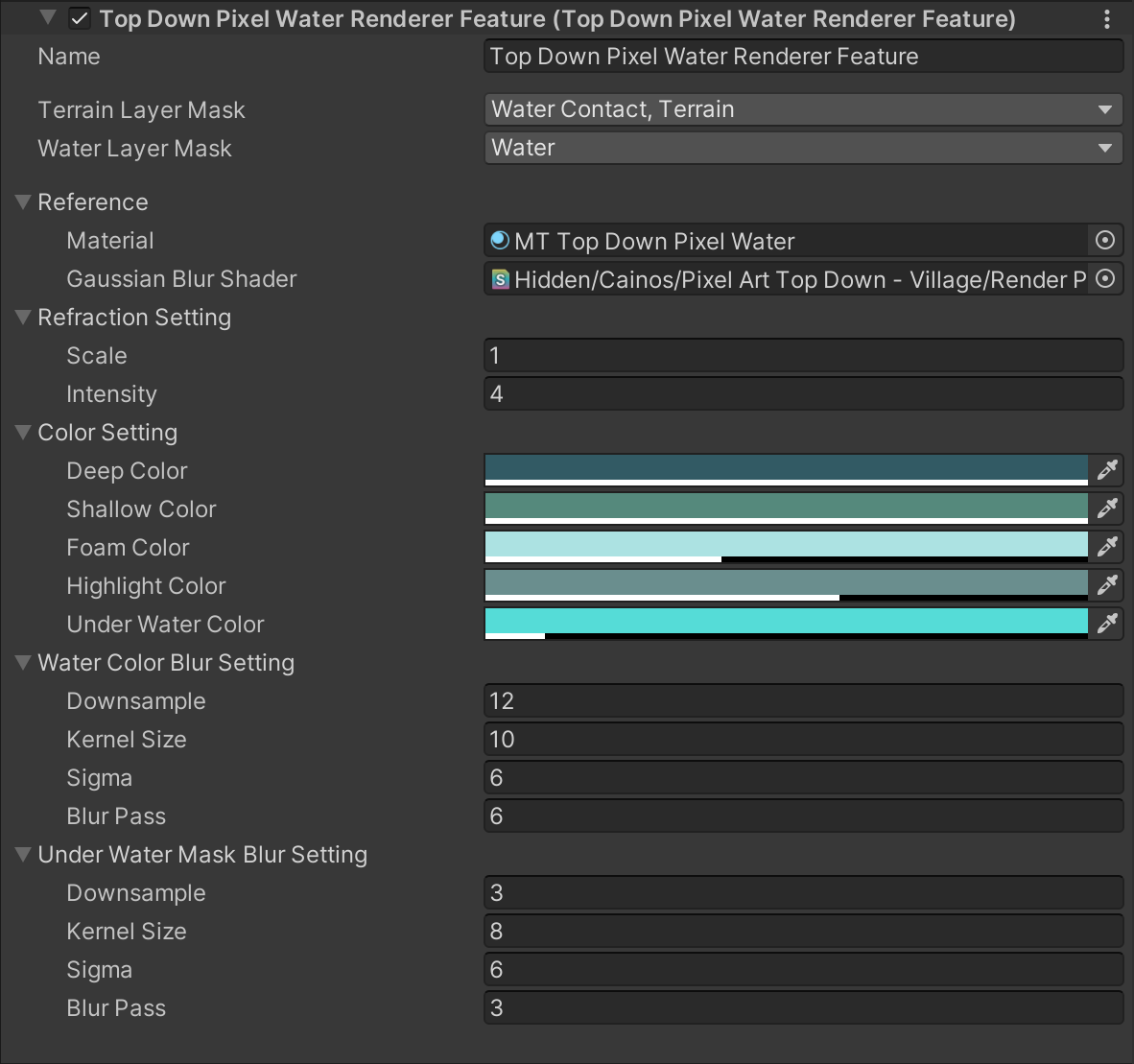
The water effect is achieved through a custom shader combined with a Renderer Feature. Below is a breakdown of the rendering process.

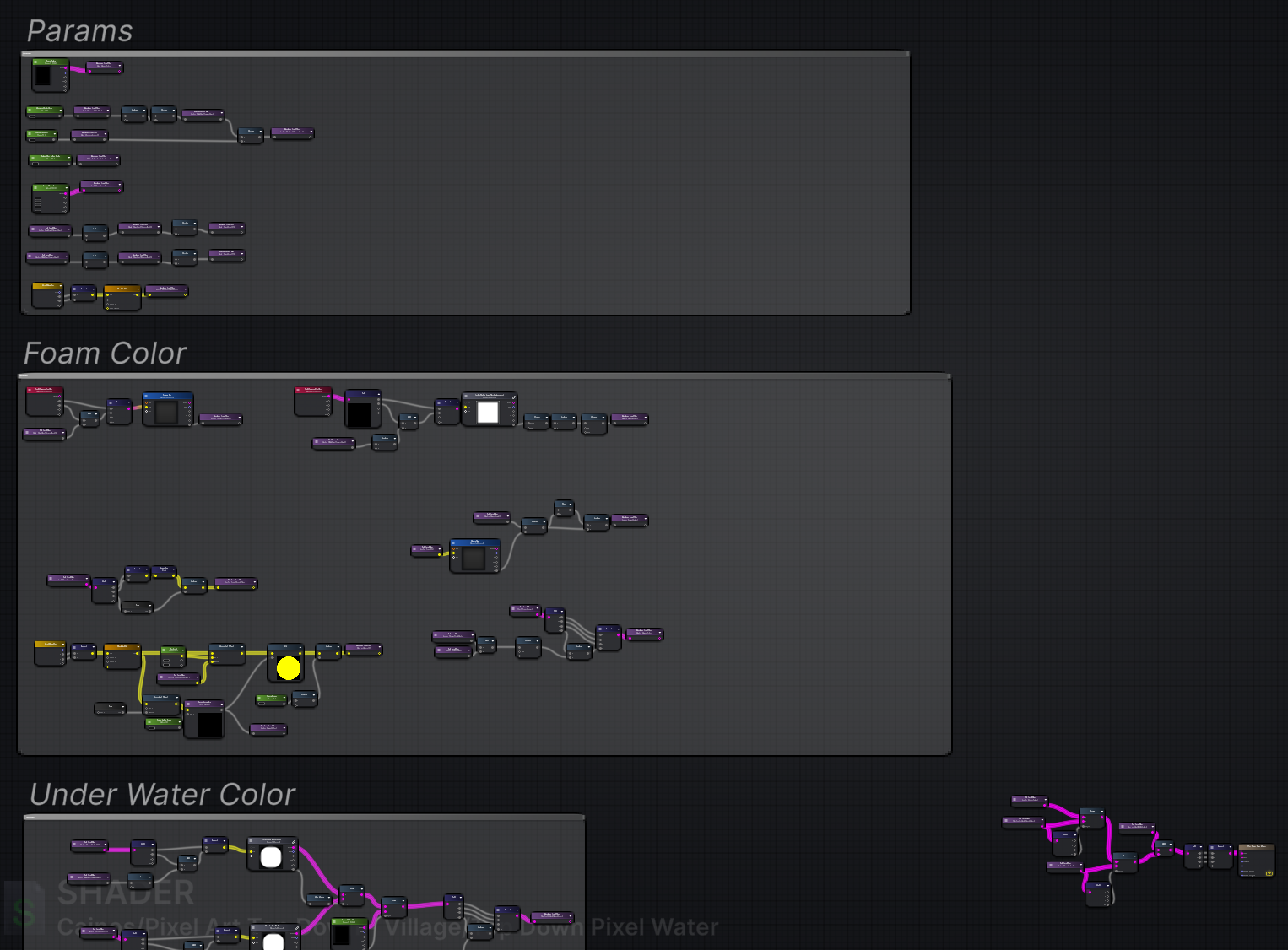
The water shader `ASE Top Down Pixel Water` is made using [Amplify Shader Editor](https://assetstore.unity.com/packages/tools/visual-scripting/amplify-shader-editor-68570). If you own this asset, you can open the shader as a graph to see how it is made.

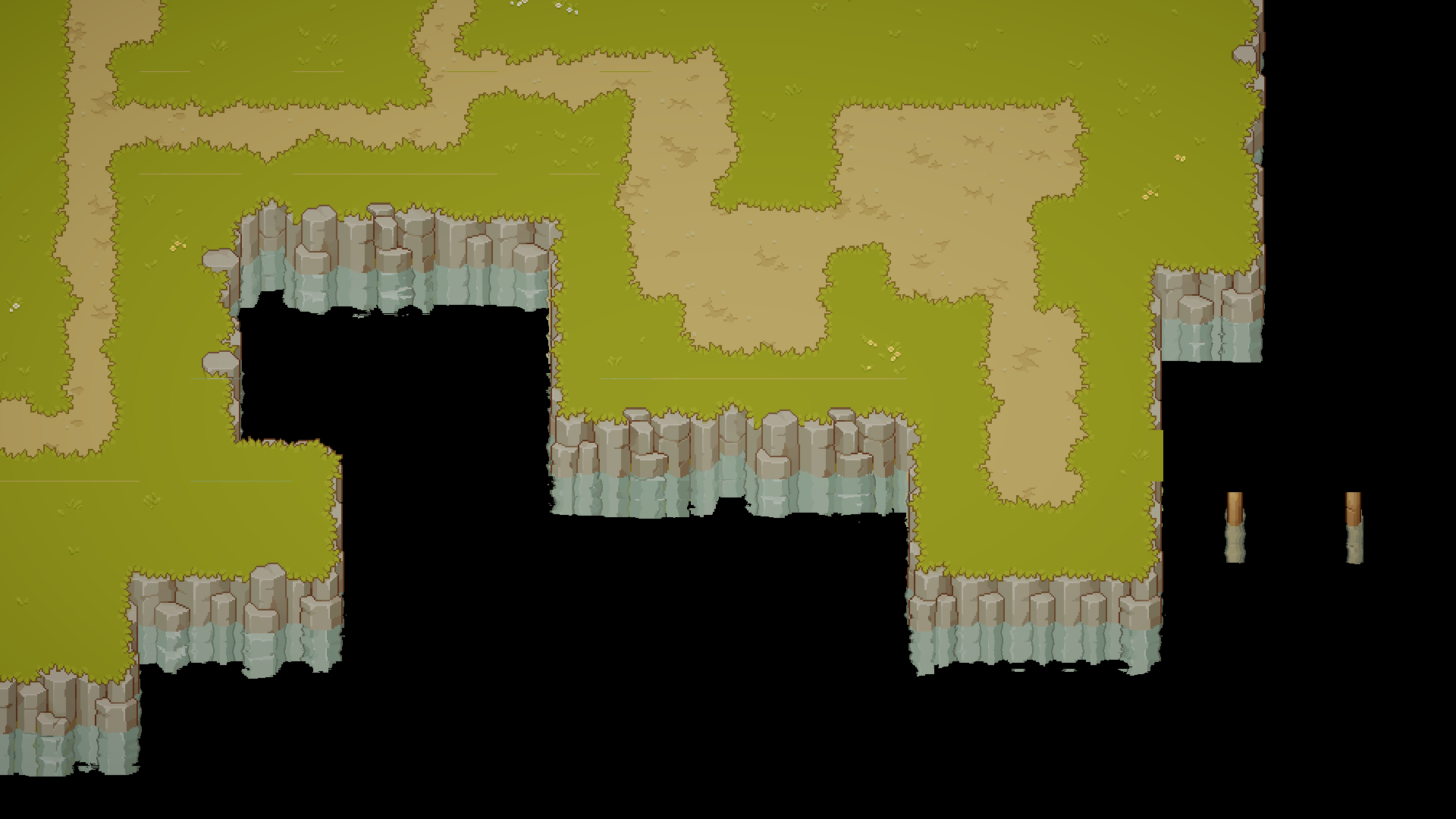
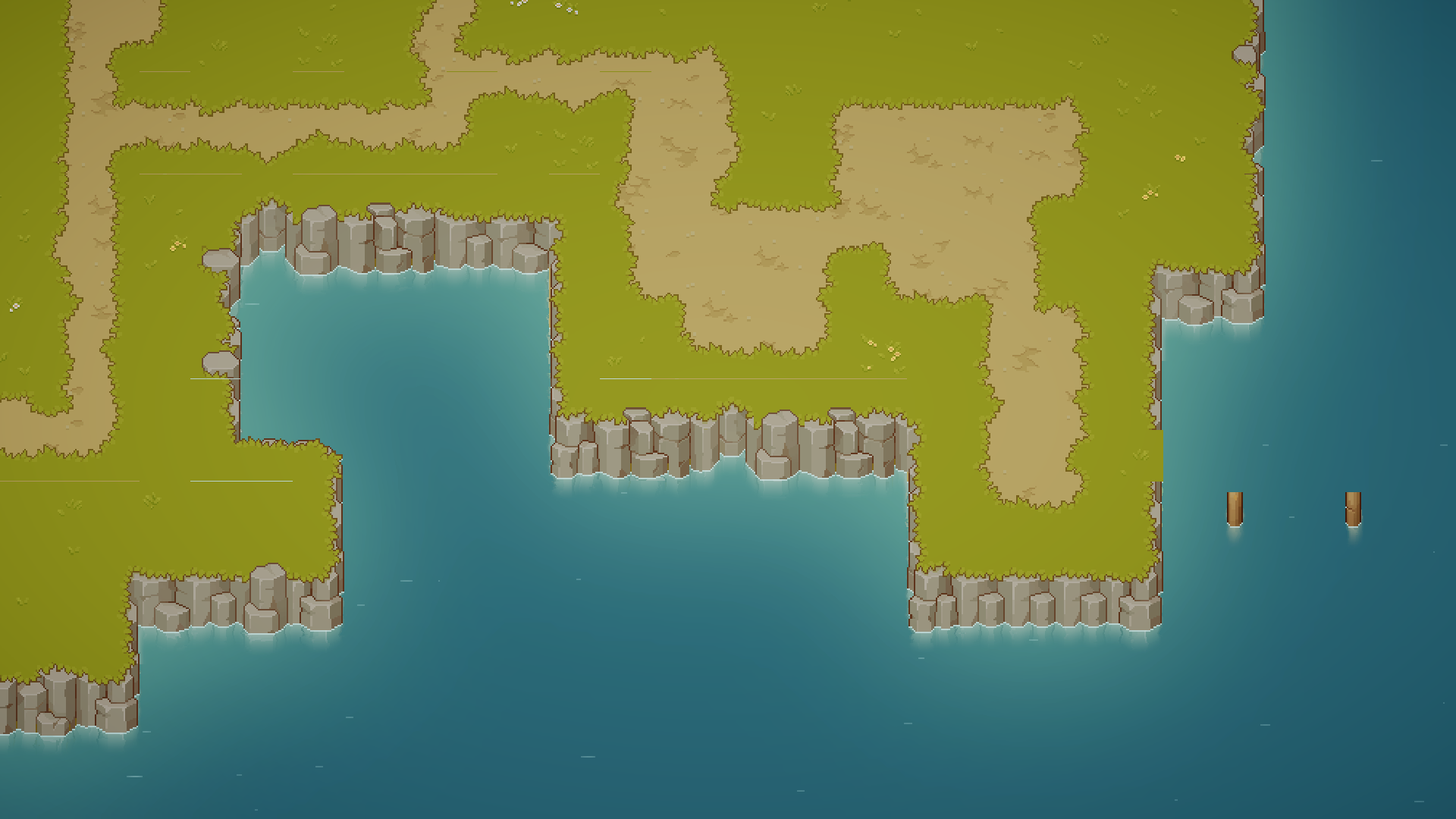
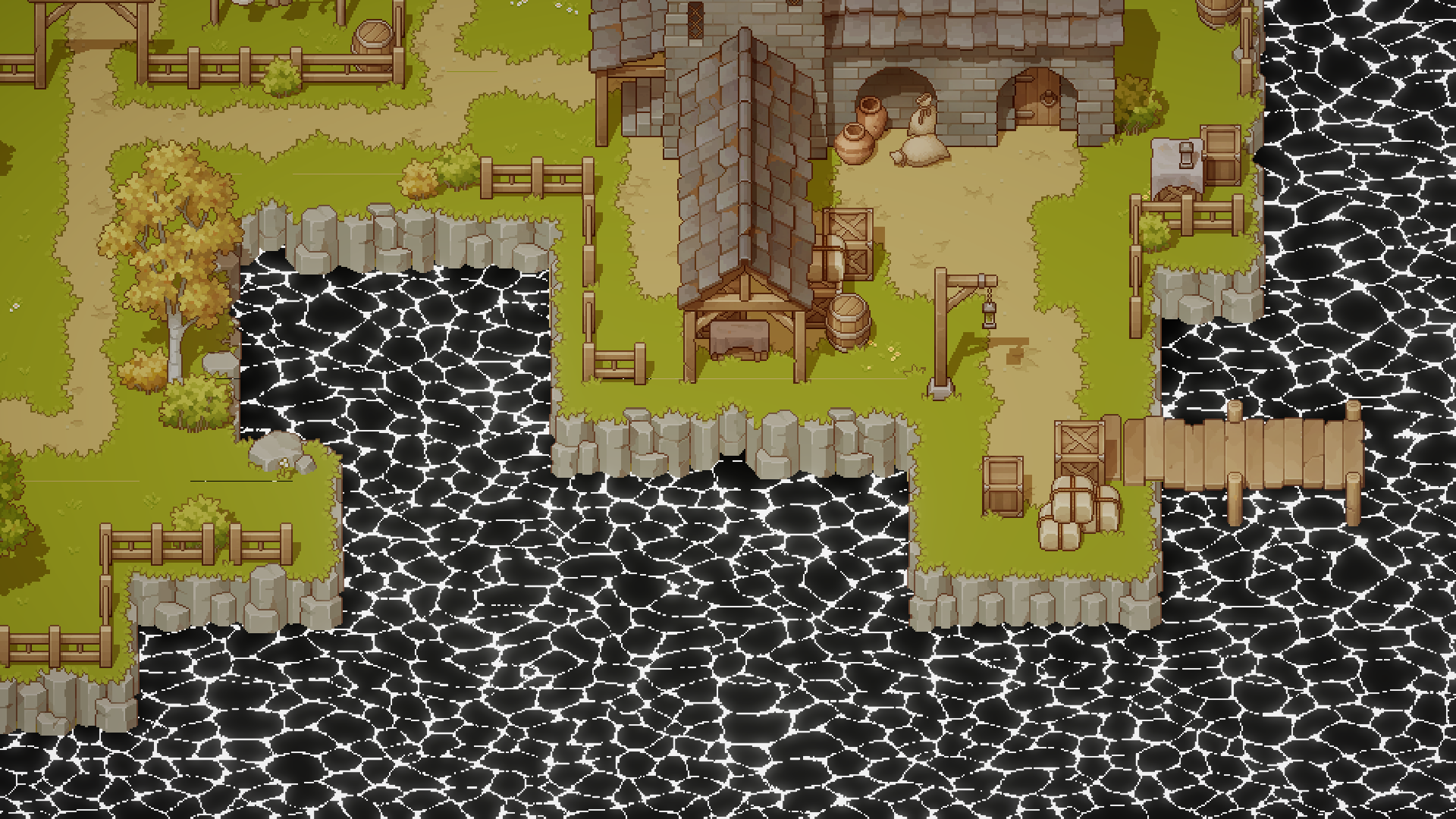
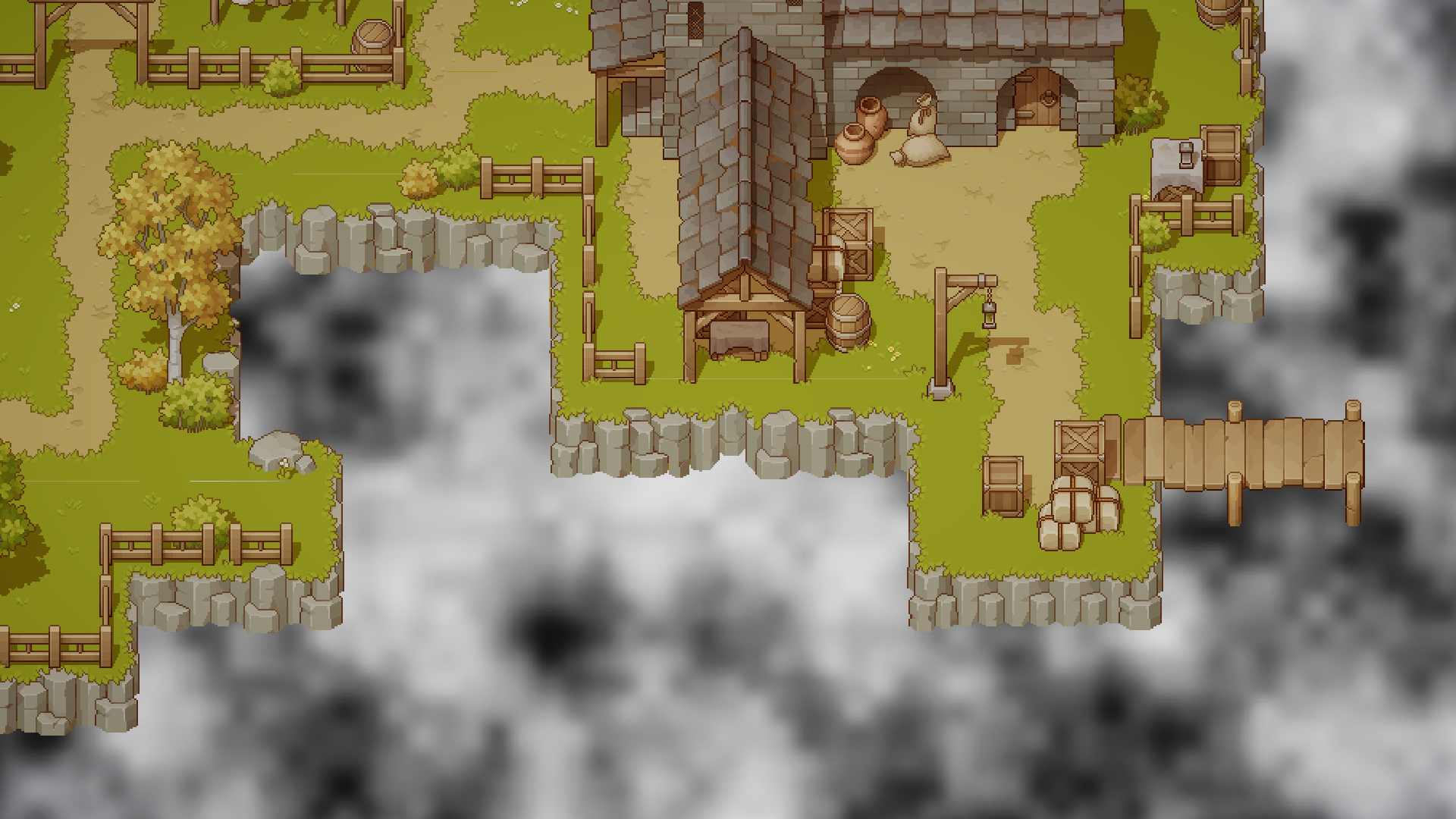
<div><figure><img src="/files/iaiYSmZbmgb0CAAHpnix" alt=""><figcaption></figcaption></figure> <figure><img src="/files/INPLnbXX5gF7XcabhFwj" alt=""><figcaption></figcaption></figure></div>

### Water Color

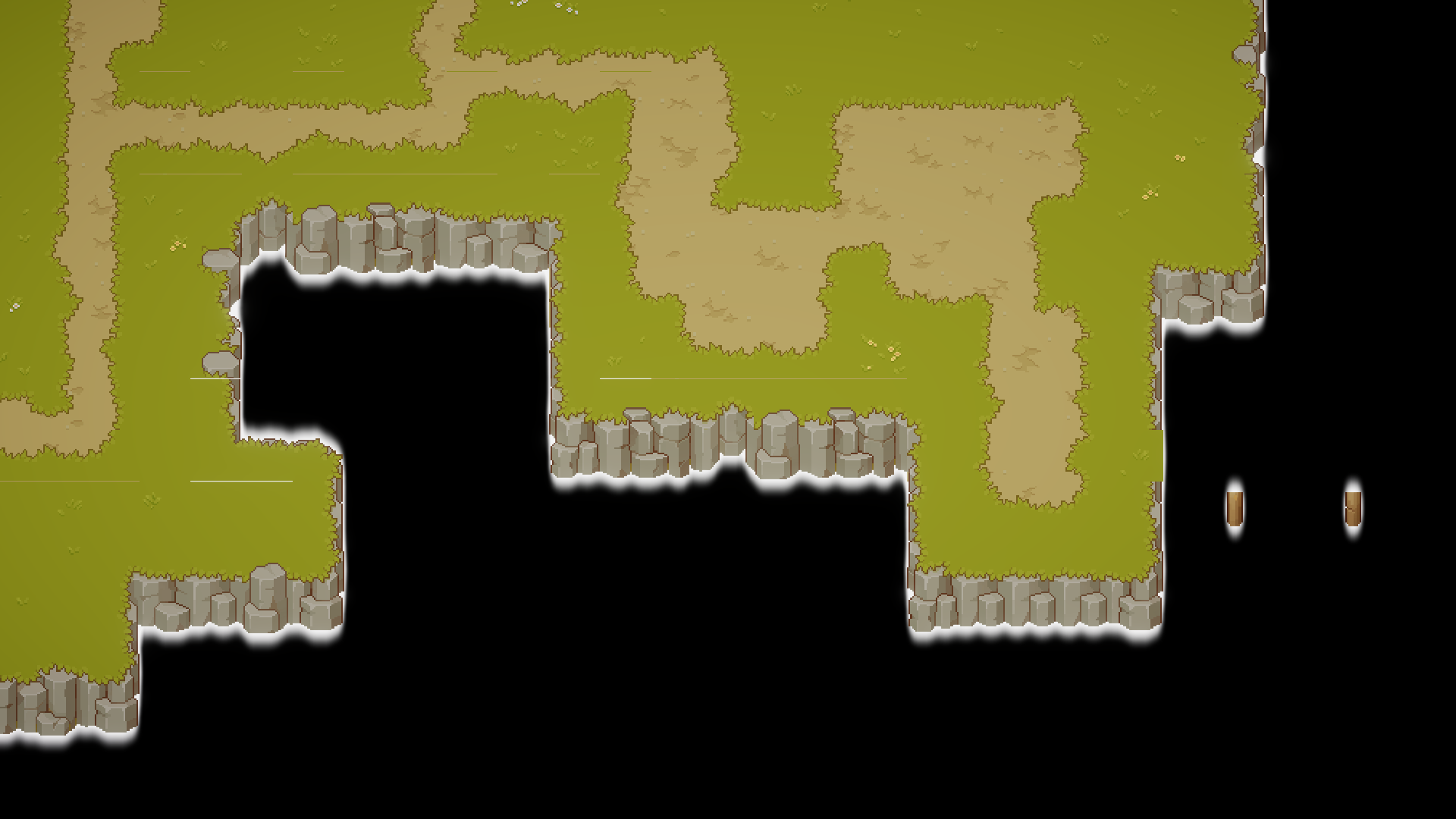
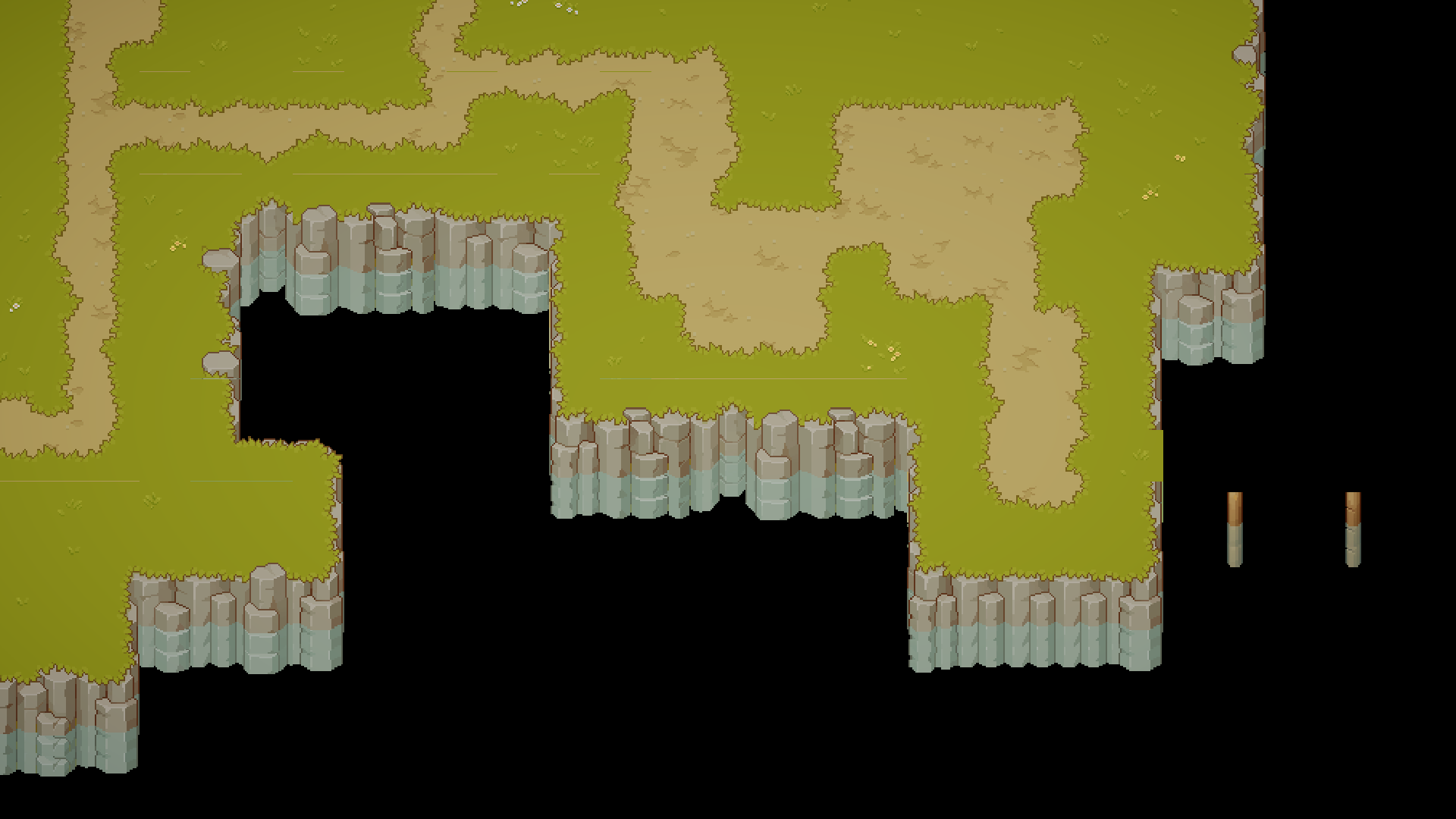
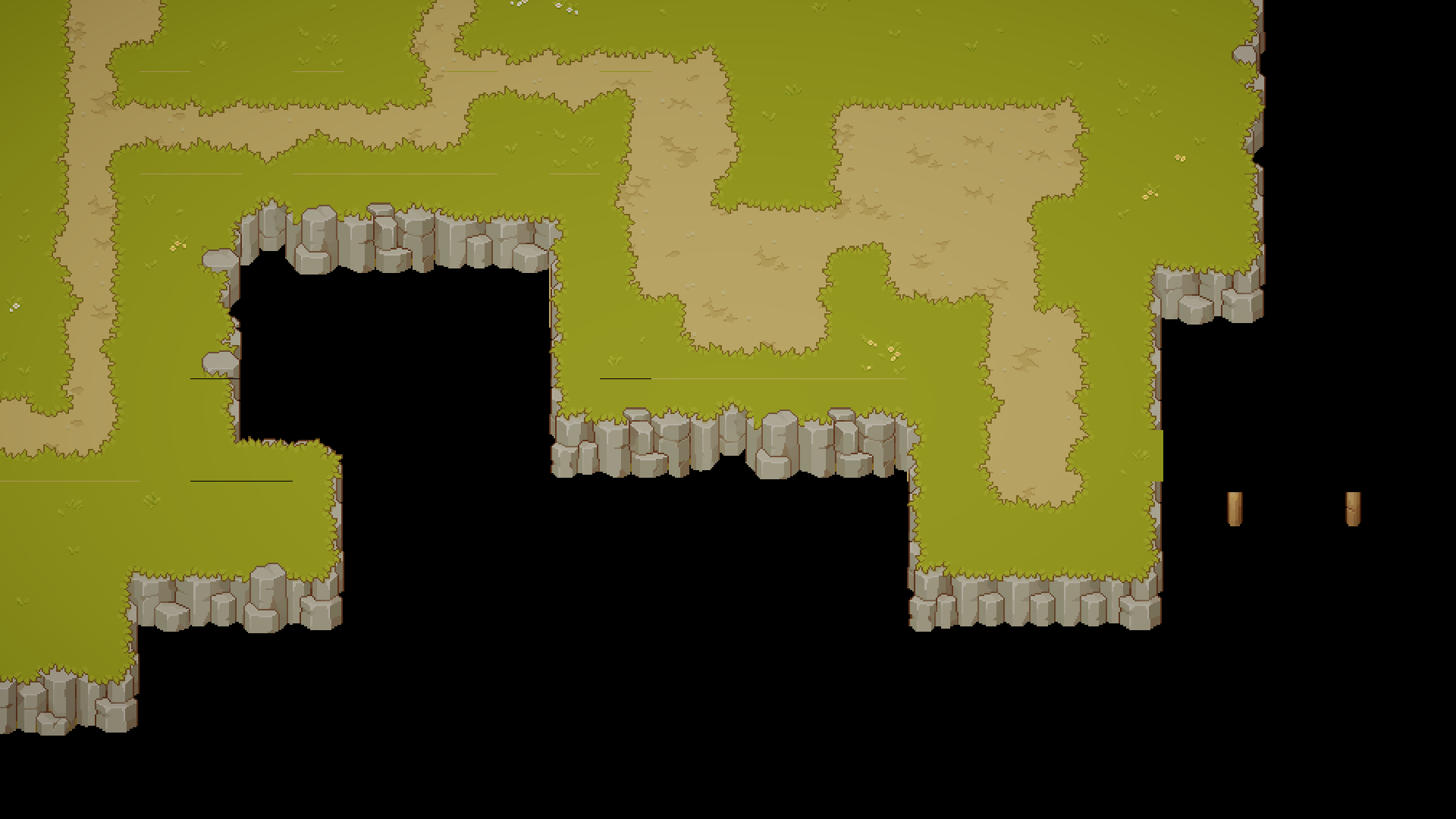
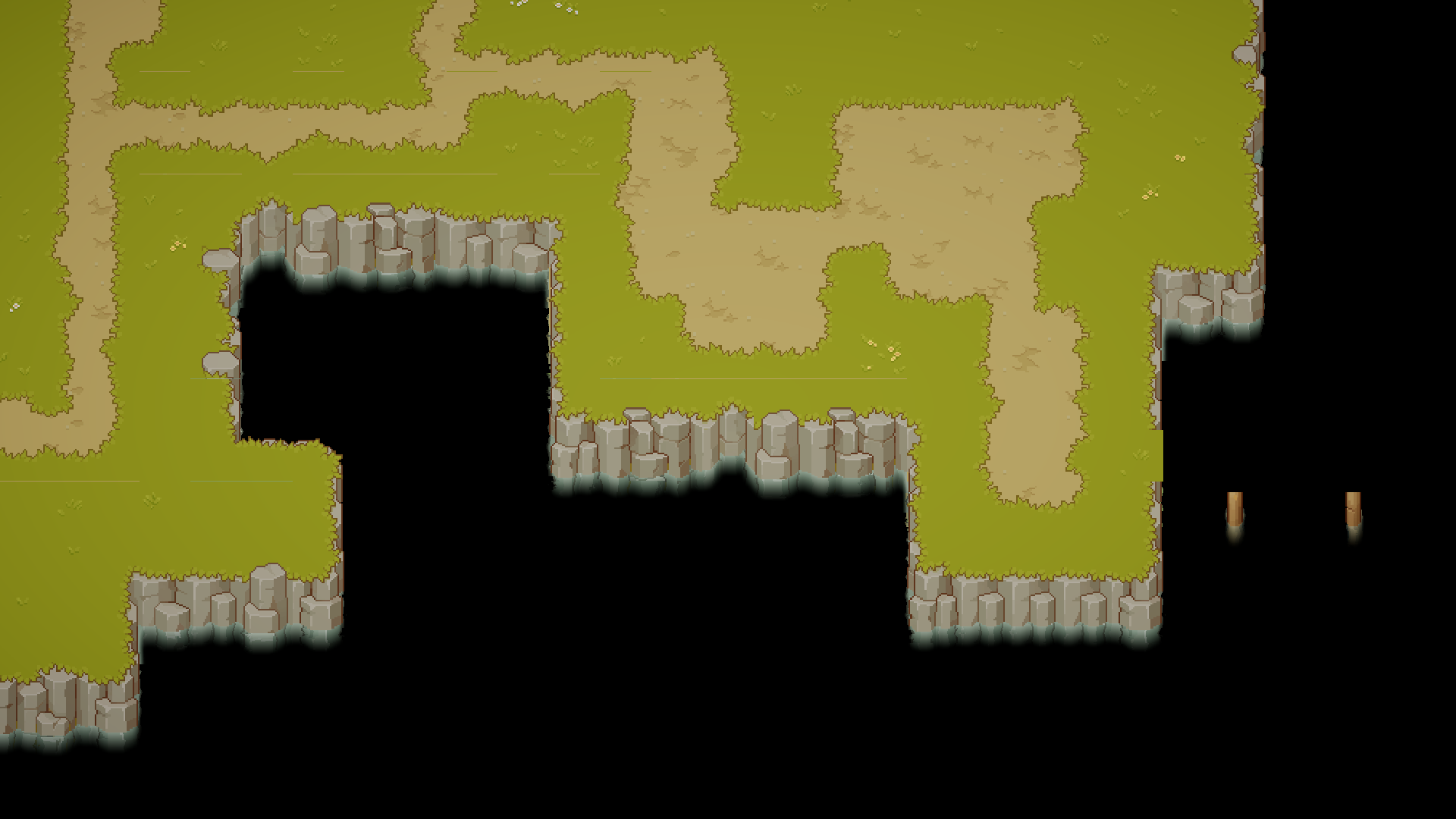
Render terrain and water-touching objects defined in `Terrain Layer Mask` into a texture named `Terrain Tex`.

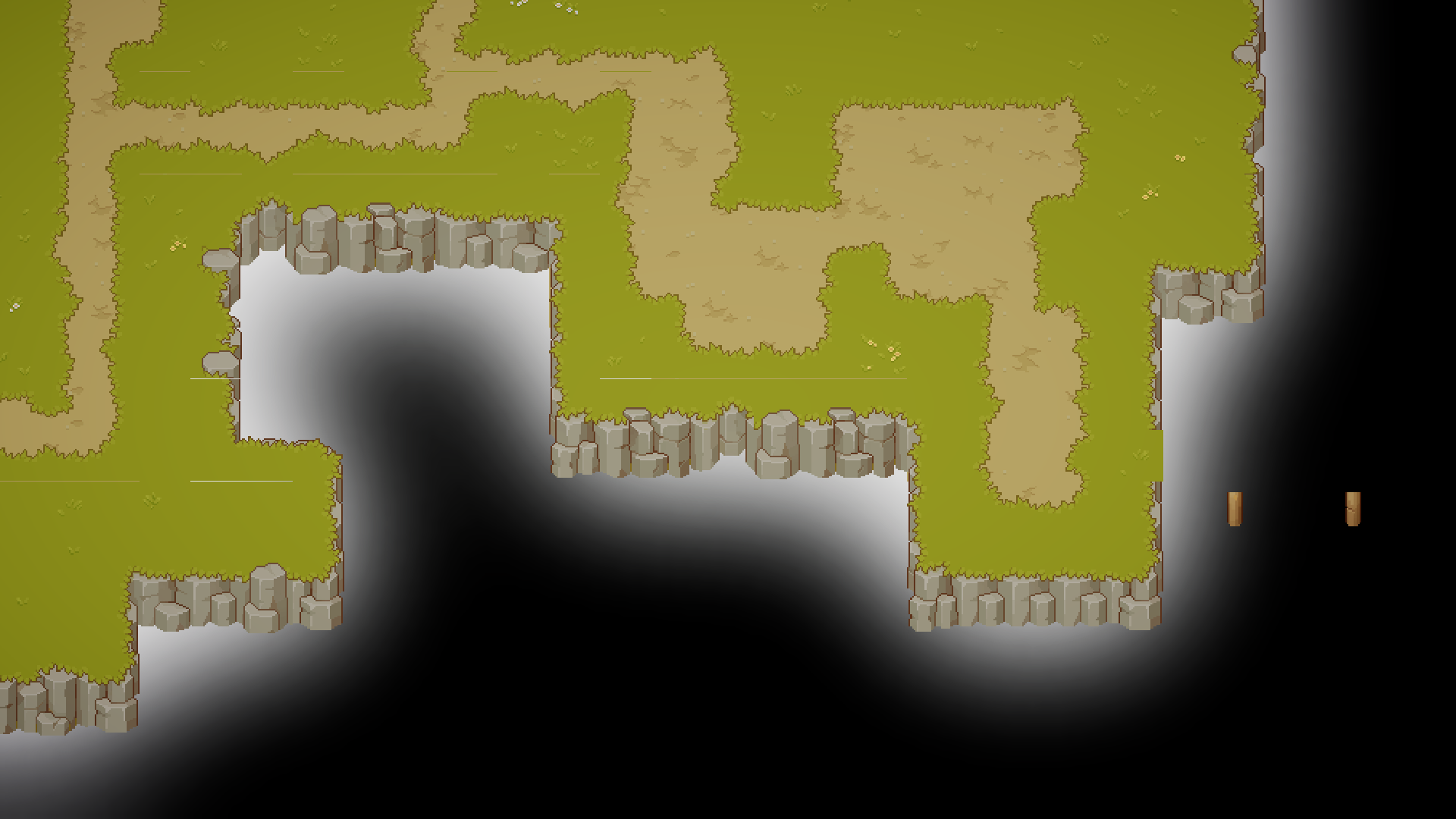
Apply a gaussian blur to the alpha channel of `Terrain Tex` using parameters from `Water Color Blur Setting`, creating `Terrain Blurred Tex`.

<div><figure><img src="/files/oYHdafqXmVxwd7bPCoHS" alt=""><figcaption><p>Terrain Tex</p></figcaption></figure> <figure><img src="/files/TkvsDuEzLcUHNcAdFx9q" alt=""><figcaption><p>Terrain Blurred Tex Overlayed by Terrain Tex</p></figcaption></figure></div>

Then we can use the grayscale of `Terrain Blurred Tex` to lerp between `Shallow Color` and `Deep Color` to create a gradient from shallow water near the shore to deep water far from the shore.

<figure><img src="/files/GUb4ks0yK5jcw3vVFBoz" alt="" width="375"><figcaption><p>Water Color</p></figcaption></figure>

### Shore Line

Shift the alpha of `Terrain Texture` down by one pixel size (1/32 in world space as this asset is 32x32 per unit), color it with `Foam Color` and blend it with the base water color.

<figure><img src="/files/4zpGIdiCSLdz1uWqZt4a" alt="" width="375"><figcaption><p>Water Color with Shore Line</p></figcaption></figure>

### Refraction

First we need to create a mask texture  `Under Water Mask Tex` in the same way as we create the `Terrain Blurred Tex` in the Water Color step, but with parameters from `Under Water Mask Blur Setting`.

For the content to be refracted, we use the `Terrain Tex` and move it down twice, each by `0.4` tile size, mix them together and color it with `Under Water Color`.

<div><figure><img src="/files/V5UsTm9V8ErdKDk2VssC" alt=""><figcaption><p>Under Water Mask Tex</p></figcaption></figure> <figure><img src="/files/p9gMu2IUWiENzFpwju6F" alt=""><figcaption><p>Under Water Content</p></figcaption></figure></div>

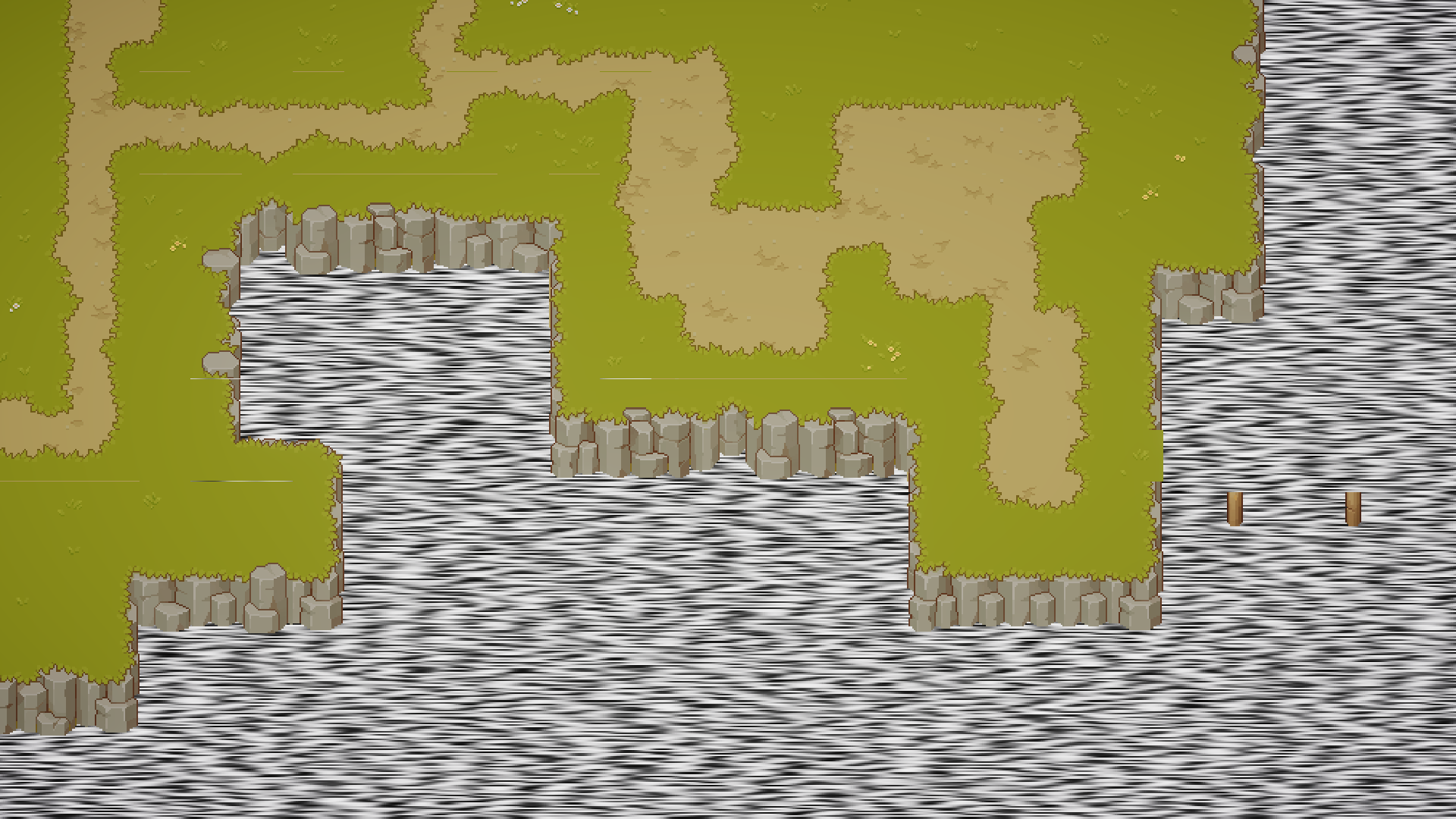
For the distortion effect, apply time-animated Voronoi noise to UV coordinates when sampling from `Terrain Tex`.

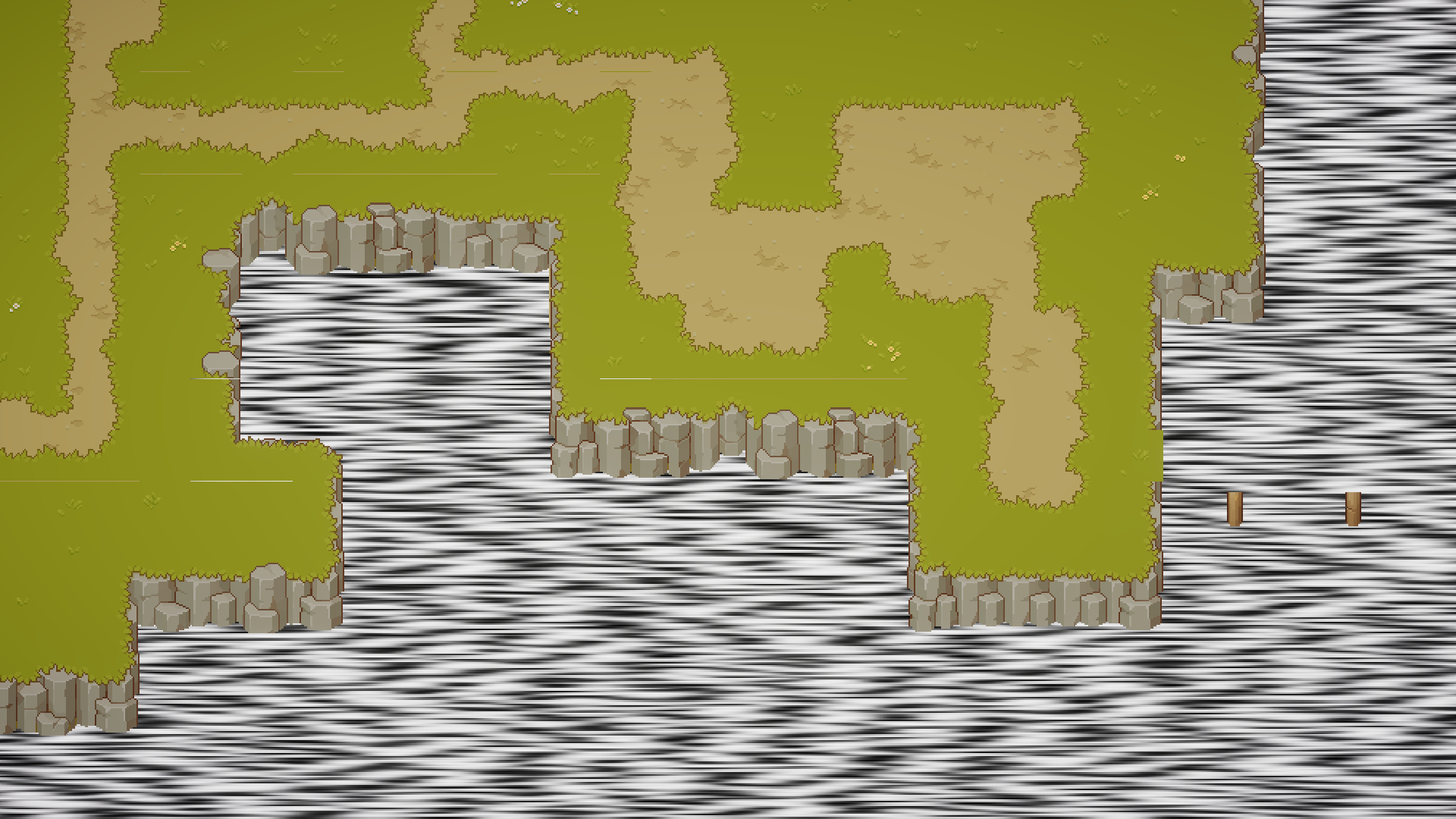
Then we can mask the result with `Under Water Mask Tex` to create a fading effect and blend it to the base water color.

<div><figure><img src="/files/YVwRYhq8IA216jsQ0Szw" alt=""><figcaption><p>Under Water Content with Noice Distortion </p></figcaption></figure> <figure><img src="/files/Xo1dxU26GyOADKgFUrAG" alt=""><figcaption><p>Masked by Under Water Mask Tex</p></figcaption></figure></div>
<figure><img src="/files/WadjU09avaZc9UAxJJnE" alt="" width="375"><figcaption><p>Blended with Water Color and Shore line</p></figcaption></figure>

### Foam

We use a foam texure `TX FX Water Foam` from this asset, sample it with the UV multiplied by `2.0` in the vertical direction to match the perspective of the top down scene, and disturb it with a time-animated noise.

For the mask, we use the maske value from `Under Water Mask Tex`, but move it down by `0.5` tile size and power the value by `2.5` (make the white part wider).

<div><figure><img src="/files/tnlOofzTUTnEZzpIRMeH" alt=""><figcaption><p>Foam Texture with Modified UV</p></figcaption></figure> <figure><img src="/files/9Gp5mkGKH2cncWJU6ZPD" alt=""><figcaption><p>Disturb Noise</p></figcaption></figure></div>

<div><figure><img src="/files/ENvkjKmuqe3U540Xx5h5" alt=""><figcaption><p>Mask for the Foam</p></figcaption></figure> <figure><img src="/files/ljU7pRZflNh4NzJGhukg" alt=""><figcaption><p>Final Result</p></figcaption></figure></div>

### Highlight

The highlight pattern is made by multiplying two noise with different size and moving direction, then powered with `6.5` to extract the most light color, and stepped by `0.3` to make it flat.

The UV of the noise is multiplied by `20` in the vertical direction to make it much wider horizontally.

<div><figure><img src="/files/hmrMUdcfhTTZglAJh0uu" alt=""><figcaption><p>Noise 1</p></figcaption></figure> <figure><img src="/files/0eLBGKVdWDFcpri8CDPO" alt=""><figcaption><p>Noise 2</p></figcaption></figure></div>

<div><figure><img src="/files/x8N7fMbVBiMyrLBxEsEx" alt=""><figcaption><p>Two Noise Multiplied Together and Powered by 6.5</p></figcaption></figure> <figure><img src="/files/EKKoxrAD45MGOY2E16Gk" alt=""><figcaption><p>Stepped by 0.3</p></figcaption></figure></div>

Then we can use this as a mask to add `Highlight Color` to the water to create the final water effect.

<div><figure><img src="/files/XI4uD6daLvNmEMgfqnva" alt=""><figcaption><p>Final Water Effect</p></figcaption></figure> <figure><img src="/files/1H5reUOLhpyHbUw7dWn9" alt=""><figcaption><p>With Other Scene Objects</p></figcaption></figure></div>


---

# Agent Instructions
This documentation is published with GitBook. GitBook is the documentation platform designed so that both humans and AI agents can read, navigate, and reason over technical content effectively. Learn more at gitbook.com.

## Querying This Documentation
If you need additional information that is not directly available in this page, you can query the documentation dynamically by asking a question.

Perform an HTTP GET request on the current page URL with the `ask` query parameter:

```
GET https://docs.cainos.net/pixel-art-top-down-village/water-rendering.md?ask=<question>
```

The question should be specific, self-contained, and written in natural language.
The response will contain a direct answer to the question and relevant excerpts and sources from the documentation.

Use this mechanism when the answer is not explicitly present in the current page, you need clarification or additional context, or you want to retrieve related documentation sections.